
A Samsung front load washing machine is designed to make laundry easier, but seeing an unexpected error code can quickly interrupt your routine. One of the most common issues homeowners encounter is the DC or DE error. While it may seem like a major fault, this error usually points to a problem with the washing machine door rather than the motor or drum.
Understanding what causes the DC/DE error can help you determine whether it’s a simple fix or a problem that requires professional attention. If your washer continues displaying the error after basic troubleshooting, FixFast LLC provides reliable washing machine repair services for all Samsung washing machine models.
Quick Answer
The DC or DE error on a Samsung front load washing machine usually means the door isn’t closing, locking, or being detected correctly. Common causes include an overloaded drum, trapped clothing, a damaged door latch, a faulty door lock switch, or a malfunctioning control board.
What Does the DC/DE Error Mean?
Samsung washing machines use sensors to confirm that the door is securely locked before starting a wash cycle.
If the appliance cannot detect a properly closed door, it displays the DC or DE error and prevents the cycle from starting to protect both the user and the machine.
Although both codes relate to the same issue, the exact wording may vary depending on the Samsung model.
Step 1: Check if the Door Is Fully Closed
The simplest cause is often the correct one.
Sometimes a towel, shirt, or small piece of clothing becomes trapped between the door and the rubber gasket.
Even a small obstruction prevents the locking mechanism from engaging.
What to Do
- Open the washing machine door.
- Remove any trapped clothing.
- Inspect the rubber seal.
- Close the door firmly until it clicks.
Restart the cycle to see if the error disappears.
Step 2: Avoid Overloading the Drum
An overloaded washing machine creates pressure against the door.
This pressure may prevent the lock from engaging properly.
Signs of Overloading
- Clothes packed tightly
- Difficulty closing the door
- Poor washing performance
- Longer wash cycles
Removing a few items often solves the problem immediately.
Step 3: Inspect the Door Latch
The door latch physically locks the washing machine during operation.
Over time, the latch may become bent, loose, or damaged through regular use.
Look for:
- Broken plastic
- Loose screws
- Cracks
- Signs of wear
A damaged latch should be replaced to restore safe operation.
Step 4: Examine the Door Lock Assembly
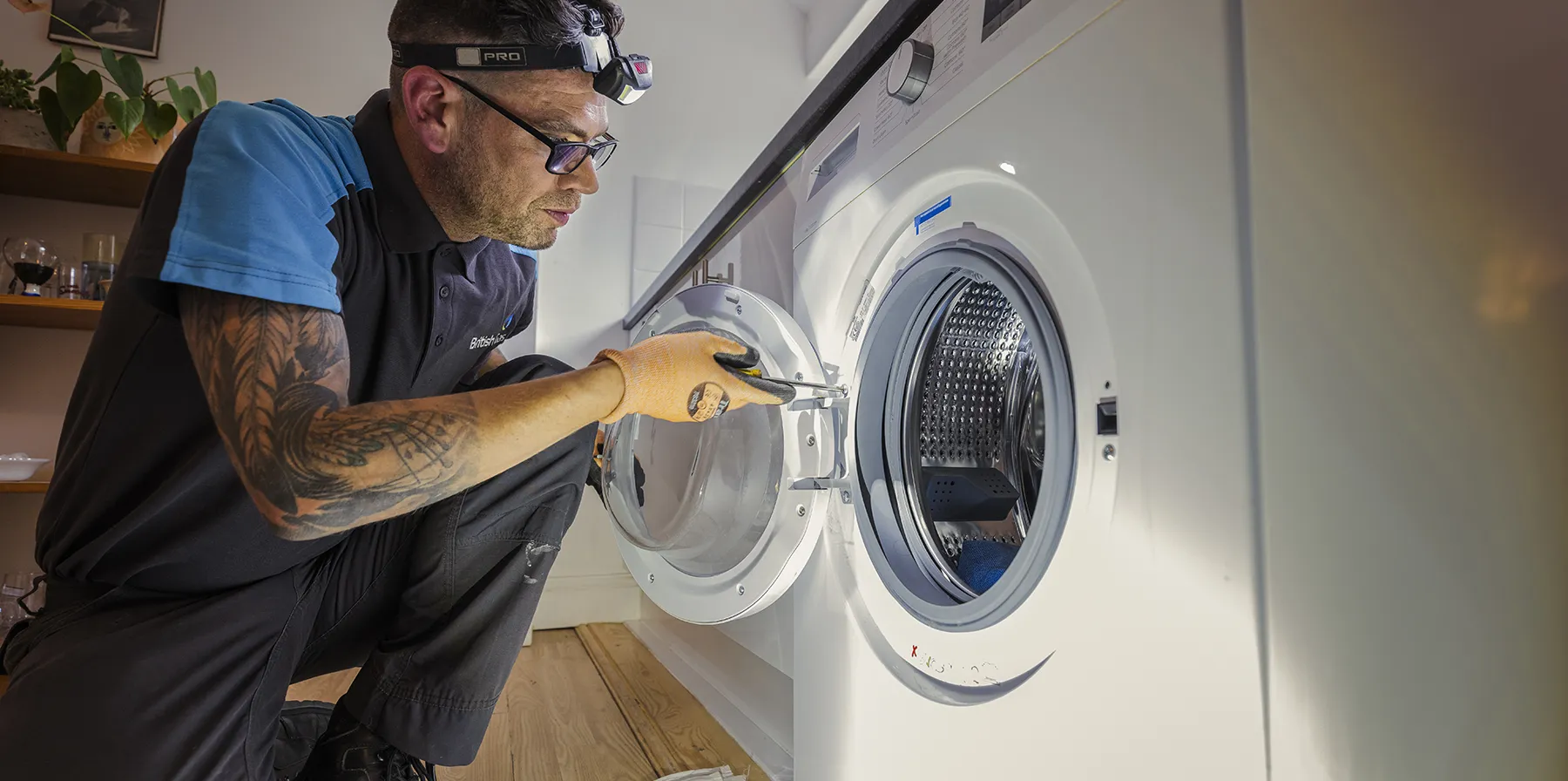
If the latch appears normal but the error remains, the electronic door lock may be faulty.
Common symptoms include:
- Door won’t lock
- Door won’t unlock
- Clicking sounds
- Error appears immediately after pressing Start
The lock assembly contains electrical components that should be tested by an experienced technician.
Step 5: Inspect the Rubber Door Seal
The door gasket creates a watertight seal during every wash cycle.
Over time it may develop:
- Tears
- Mold buildup
- Folded sections
- Objects trapped inside
Cleaning the gasket regularly helps maintain proper door alignment.
Step 6: Restart the Washing Machine
Occasionally, the control system experiences a temporary software glitch.
Resetting the appliance may clear the error.
How to Reset
- Turn off the washing machine.
- Unplug it for approximately five minutes.
- Plug it back in.
- Restart the wash cycle.
If the error returns, further inspection is recommended.
Step 7: Consider a Control Board Problem
If every mechanical component appears to function correctly, the issue may involve the main electronic control board.
Although less common, a faulty control board may fail to recognize that the door has locked successfully.
Professional diagnostics are usually required to confirm this type of fault.
Common Mistakes to Avoid
Many homeowners accidentally make the problem worse by:
- Slamming the washing machine door
- Forcing the door closed
- Ignoring repeated error messages
- Continuing to restart the cycle
- Attempting electrical repairs without experience
Addressing the issue early can prevent additional damage.
How to Prevent DC/DE Errors
Preventive maintenance reduces the likelihood of door-related faults.
Follow these simple tips:
- Avoid overloading the drum.
- Clean the rubber gasket regularly.
- Remove objects from pockets before washing.
- Close the door gently.
- Inspect the latch periodically.
- Keep the door seal dry after each wash.
- Schedule annual appliance servicing.
These habits help extend the lifespan of your Samsung washing machine.
When Should You Call a Professional?
Contact a qualified technician if:
- The DC/DE error remains after basic troubleshooting.
- The door will not lock or unlock.
- The latch appears damaged.
- The control panel displays multiple error codes.
- Water leaks around the door.
- The machine stops during every cycle.
Professional diagnosis ensures the correct component is repaired or replaced without risking further damage.
Why Choose FixFast LLC?
If you’re searching for dependable washing machine repair, FixFast LLC offers professional repair services for Samsung front load washing machines and all major appliance brands.
Our experienced technicians quickly identify door lock problems, replace faulty components using genuine spare parts, and restore your appliance’s performance with reliable workmanship.
We provide:
- Same-day washing machine repairs
- Samsung appliance specialists
- Genuine replacement parts
- Transparent pricing
- Fast response across Dubai
- Warranty-backed repairs
- Professional diagnostics
Whether you’re dealing with a DC/DE error or another appliance fault, our team is ready to help.
Conclusion
The DC/DE error on a Samsung front load washing machine is usually related to the door locking system. In many cases, simple issues such as trapped clothing, overloading, or a dirty door seal can be resolved without major repairs. However, persistent error codes often indicate a faulty door lock, damaged latch, or electronic component that requires professional attention.
If your Samsung washer continues displaying the DC/DE error, trust FixFast LLC for expert washing machine repair in Dubai. Our technicians provide fast, accurate repairs that help restore your appliance while preventing more expensive problems in the future.
Frequently Asked Questions
What does the DC/DE error mean on a Samsung washing machine?
It usually indicates that the washing machine door isn’t closing, locking, or being detected correctly.
Can I fix the DC/DE error myself?
Yes. Basic troubleshooting includes checking for trapped clothing, avoiding overloading, cleaning the door seal, and restarting the machine. Persistent errors require professional inspection.
Is it safe to continue using the washing machine?
No. The machine prevents operation because it cannot confirm that the door is securely locked.
Does the DC/DE error always mean the door lock is broken?
Not necessarily. The issue may be caused by clothing trapped in the door, a damaged latch, an overloaded drum, or a faulty electronic component.
Who provides Samsung washing machine repair in Dubai?
FixFast LLC offers professional Samsung washing machine repair services throughout Dubai, including diagnosis and repair of DC/DE door lock errors.